
Service Finance
1
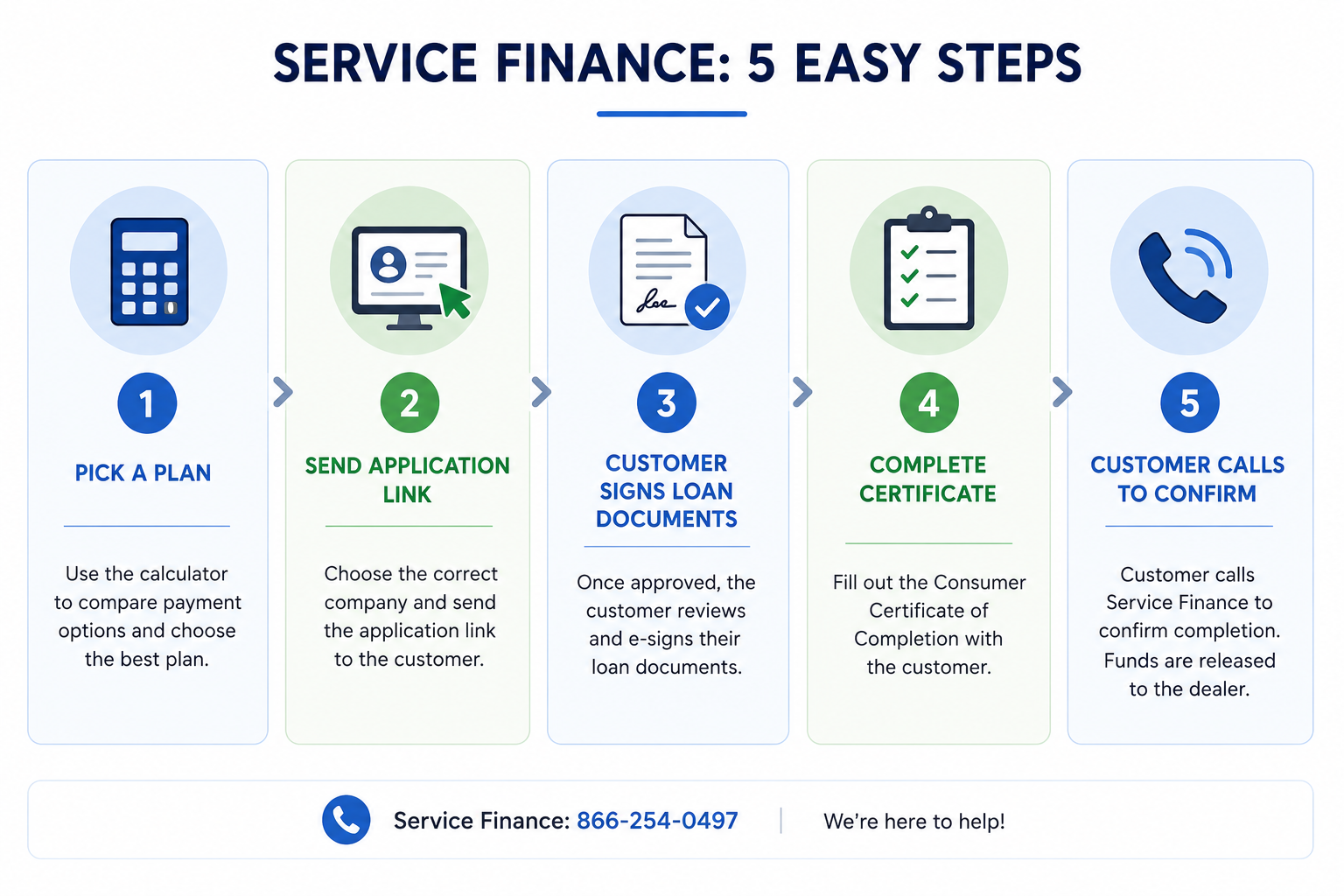
Pick a Service Finance plan in the calculator
Open the calculator and choose the SFC plan that fits the customer's project. The calculator will show the monthly payment and dealer fee.
2
Apply online — choose the company you represent
Open the application portal under the dealer entity that matches the project.
Company 1 of 4
Regency
Ernest Ybarra dba Regency Construction & Remodeling
Welcome Dealer815127059
3
Already approved? Send the customer to e-sign
Once SFC approves the application, send the customer here to electronically sign their loan documents.
4
Fill out the Consumer Certificate of Completion
Once the project is finished, fill out the SFC completion form together with the customer. The annotated example shows where each field goes.
5
Send the signed form to Lital, then have the customer call Service Finance
After Lital has the signed form, the customer needs to call SFC directly to confirm the project is complete — that releases the funds to the dealer.